


I didn’t start using AI photo editing because I wanted to automate creativity or chase a trend.
I did it because editing had become the least efficient part of an otherwise solid photography business.
I already knew how to edit. I already had a look. Clients were happy. Editing wasn’t difficult; it was just constant. And it was quietly controlling my schedule more than I wanted it to.
AI photo editing, when it’s used correctly, isn’t about shortcuts. It’s about standardizing the part of your workflow that shouldn’t require your full attention every single time.
This is how I use Imagen AI, where it fits in my workflow, and why it makes sense from a business standpoint.

What AI Photo Editing Is Solving for Working Photographers
At a professional level, editing problems aren’t about skill. They’re about repetition and variability.
Manual editing starts to break down when:
- eyes get tired
- you start second guessing exposure and white balance
- busy seasons pile on the editing
AI photo editing solves for that by creating a reliable first pass. Exposure, color, and tone land where they should without rebuilding the same decisions over and over again.
You still review. You still adjust.
But the baseline is handled.

Why Presets Stop Being Enough at Scale
Presets are static. They apply the same instructions regardless of lighting, exposure drift, or scene variation.
That’s fine early on. It’s less fine when you’re shooting in mixed light, editing high volume, or trying to maintain consistency across sessions and locations. With presets, the work doesn’t disappear, it just requires you to still adjust white balance and exposure every single time. You apply the preset, then spend the rest of the time correcting.
AI photo editing adapts per image. That’s the difference. It responds to the photo instead of forcing the photo to respond to the preset.

Why I Chose Imagen
I tested tools that called themselves “AI editing,” and most of them felt like presets with better marketing.
None of them afforded me the ability to edit like i edit. Imagen works because it’s built around how photographers actually edit. It learns from your Lightroom catalogs — your exposure choices, color tendencies, and correction patterns — and applies those decisions intelligently to new images.
It’s not giving you a look.
It’s replicating yours.
That distinction is why it works in a professional workflow.
You can check out and try Imagen here.
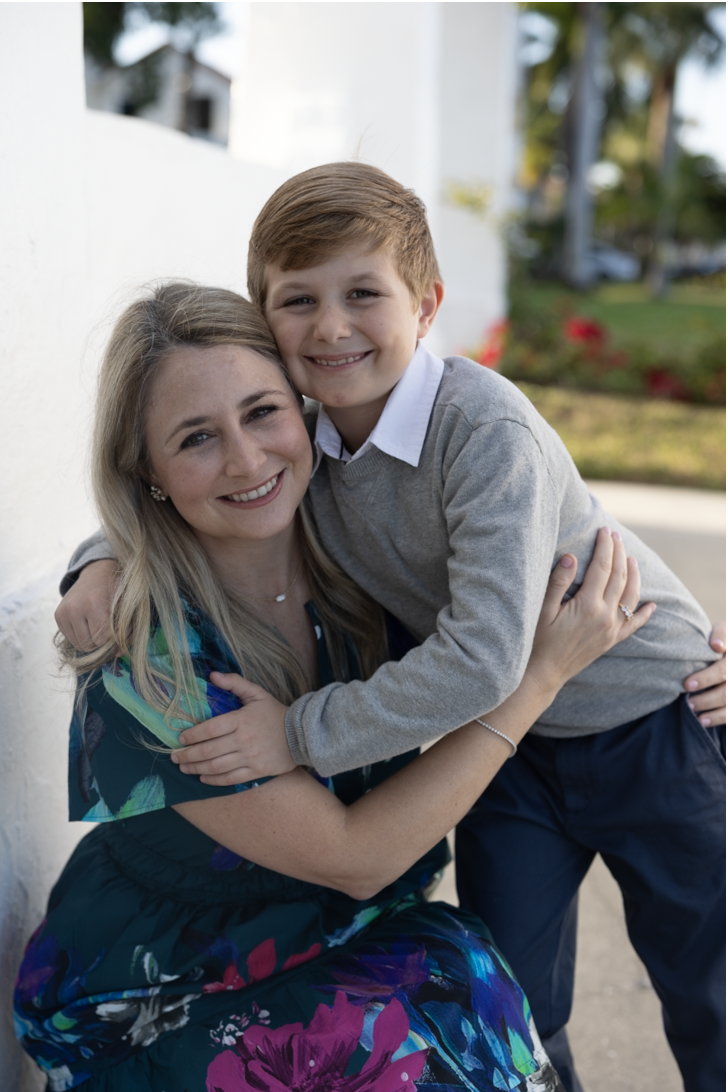
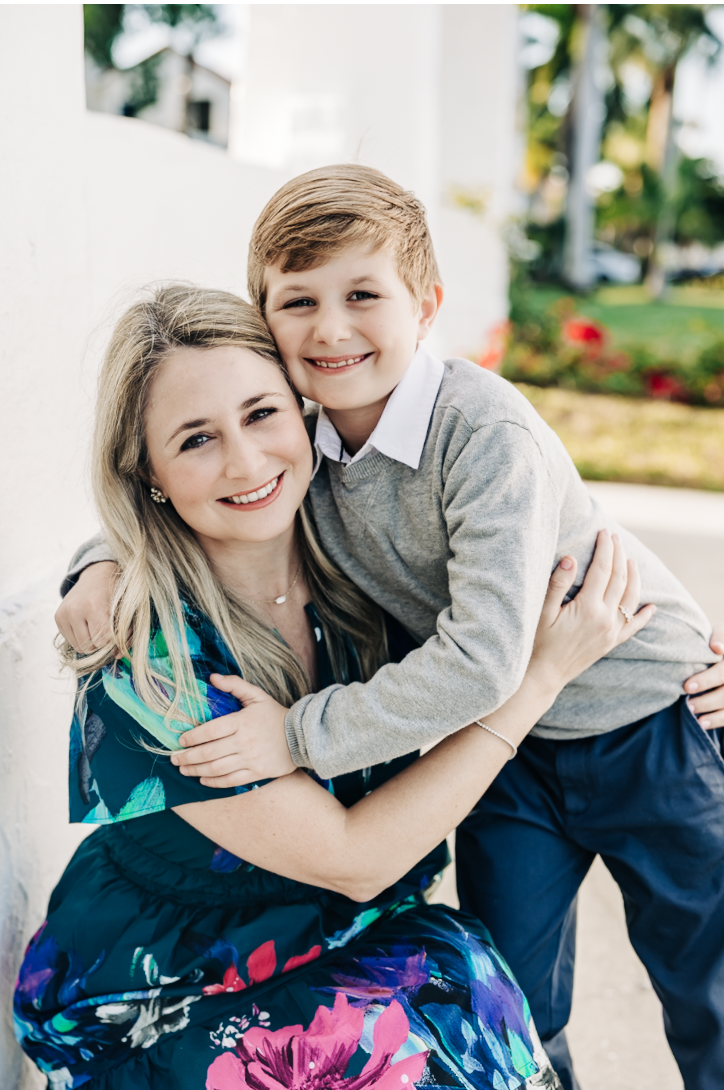
How Imagen Fits Into My Lightroom Workflow
Nothing about my workflow changed structurally.
I still cull the same way (I even use Imagen to cull 🫢). I still edit in Lightroom. I still review every gallery.
The difference is what happens after import.
I send my selects to Imagen, apply my AI profile, and get back images that are already in the right range. Exposure is correct. Color is consistent. Skin tones don’t need babysitting. From there, I’m refining instead of fixing.
Editing becomes creative again. You have more time for the little details. Your art becomes better because your energy isn’t sucked by repetition.
Training Your Own AI Profile vs Starting With One You Like
Training a profile means uploading catalogs you’ve already edited. Imagen analyzes your patterns and builds a model based on your actual photos.
This works best if you already have a defined style and your edits are fairly consistent. If your editing is all over the place, the AI will reflect that. It’s not correcting you — it’s copying you.
If you don’t have 2,000 consistently edited photos, the easiest and most efficient way to start is starting with a profile you already like from the Imagen profile shop and using that as your baseline.
That gives you usable results immediately, without the time for setup and tweaking.
This is also where my Imagen profile comes in. Sunshine Pixie Dust is built for natural light photographers who want clean, warm color and consistent skin tones with beautiful greens and recovered highlights are the cherry on the top. It’s designed to get you out of the weeds quickly, not lock you into my taste forever.
You can use it as-is, tweak it, make it completely yours, or eventually move on to training your own profile once you’re confident in the direction.
You can test it out for free on your own photos here:
👉 Alison Amick Photography x Imagen: Sunshine Pixie Dust Profile


Where AI Photo Editing Actually Helps Your Business
This matters because consistency is a business asset.
When your editing is consistent, clients know what to expect. Galleries match your portfolio year-round. Turnaround times stabilize. And you get your life back.
AI photo editing supports that consistency by removing variability caused by fatigue, schedule pressure, or just life. Your output doesn’t change just because your workload does.
You spend less time editing, yes — but more importantly, editing stops being the bottleneck in your business.
Who AI Photo Editing Is (and Isn’t) For
AI photo editing works best if you’re already a professional photographer, you edit in Lightroom, and you have a defined look that you want applied consistently.
It’s ideal if you want to spend less time editing without outsourcing and without sacrificing control.
It’s not a great fit if you’re still learning how to edit, constantly changing styles, or looking for one-click perfection with zero review. (Unless you just want to start with AI editing)
You still need taste.
AI just removes repetition.

Bottom Line
AI photo editing isn’t about doing less work.
It’s about doing the same work with fewer repeated decisions, more consistent output, and a workflow that doesn’t sprawl all over your schedule.
If editing is the slowest or most draining part of an otherwise functional photography business, Imagen is absolutely worth testing.
👉 Give Imagen AI Photo editing a try.
Read more about How I use Imagen AI on the blog.





view + leave comments . . .